Share your booking link
Let clients pick a time and book themselves, so you don't have to message back and forth.
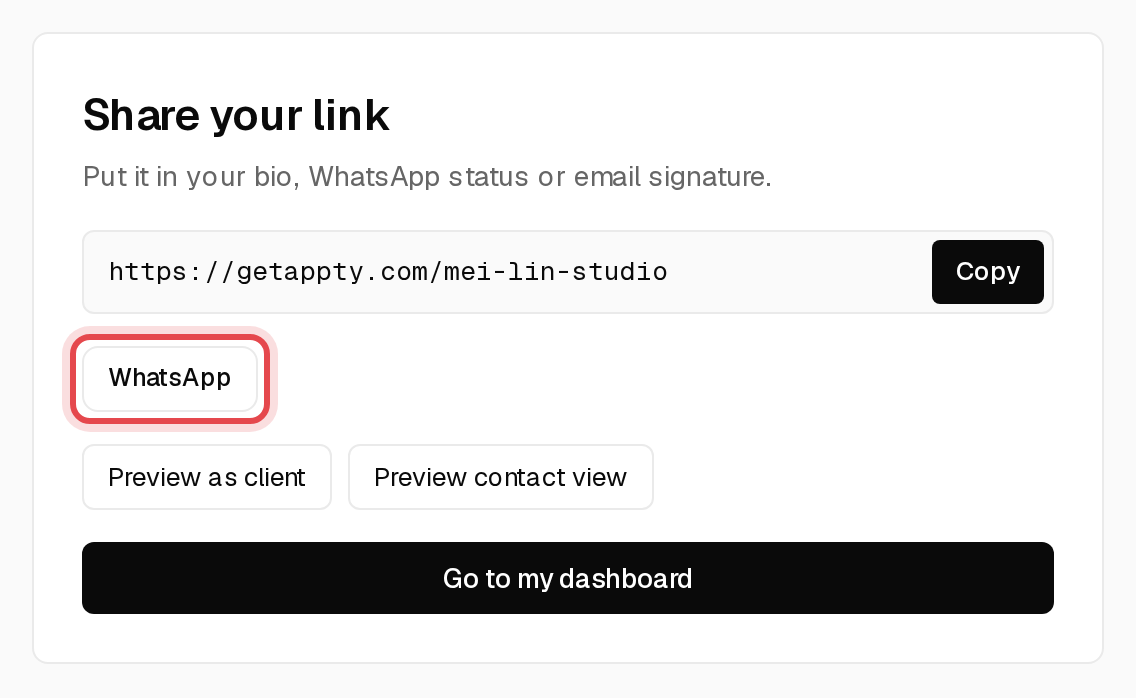
Step 1: Copy your link
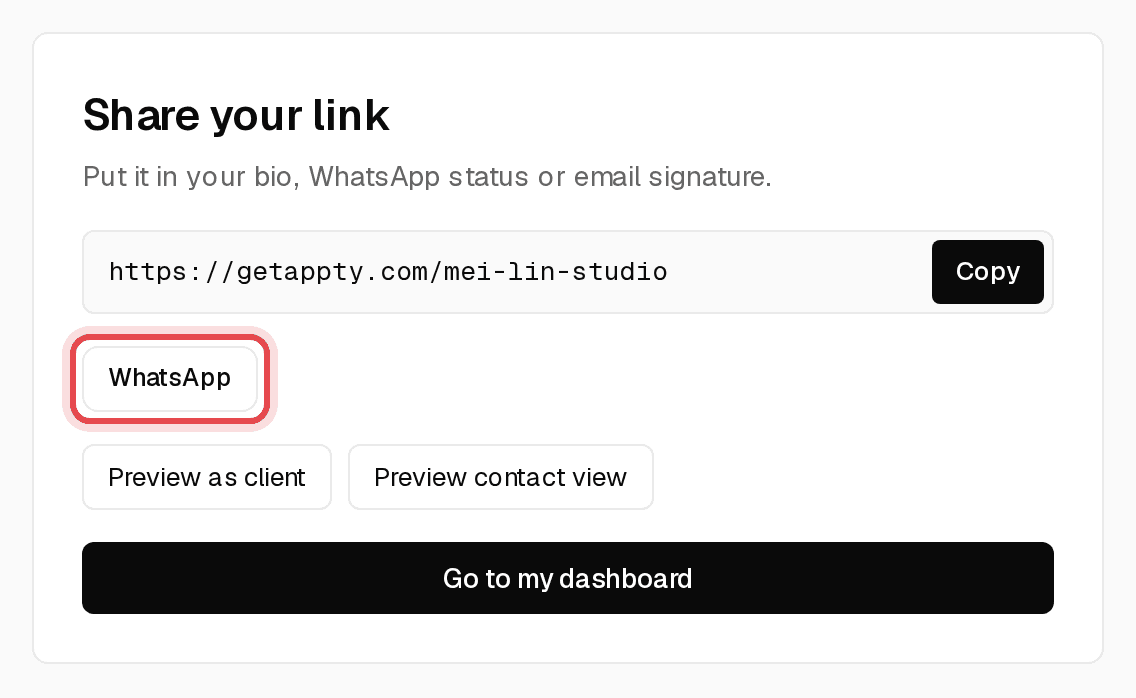
Your booking link is at the top of Overview. Click Copy.

Tip: Put it in your Instagram or WhatsApp bio and your email signature.
Step 2: Send it on WhatsApp, SMS or email
The Share step of the setup guide has a WhatsApp button that opens a message with your link already filled in. You can also paste the link into SMS, email or Instagram.
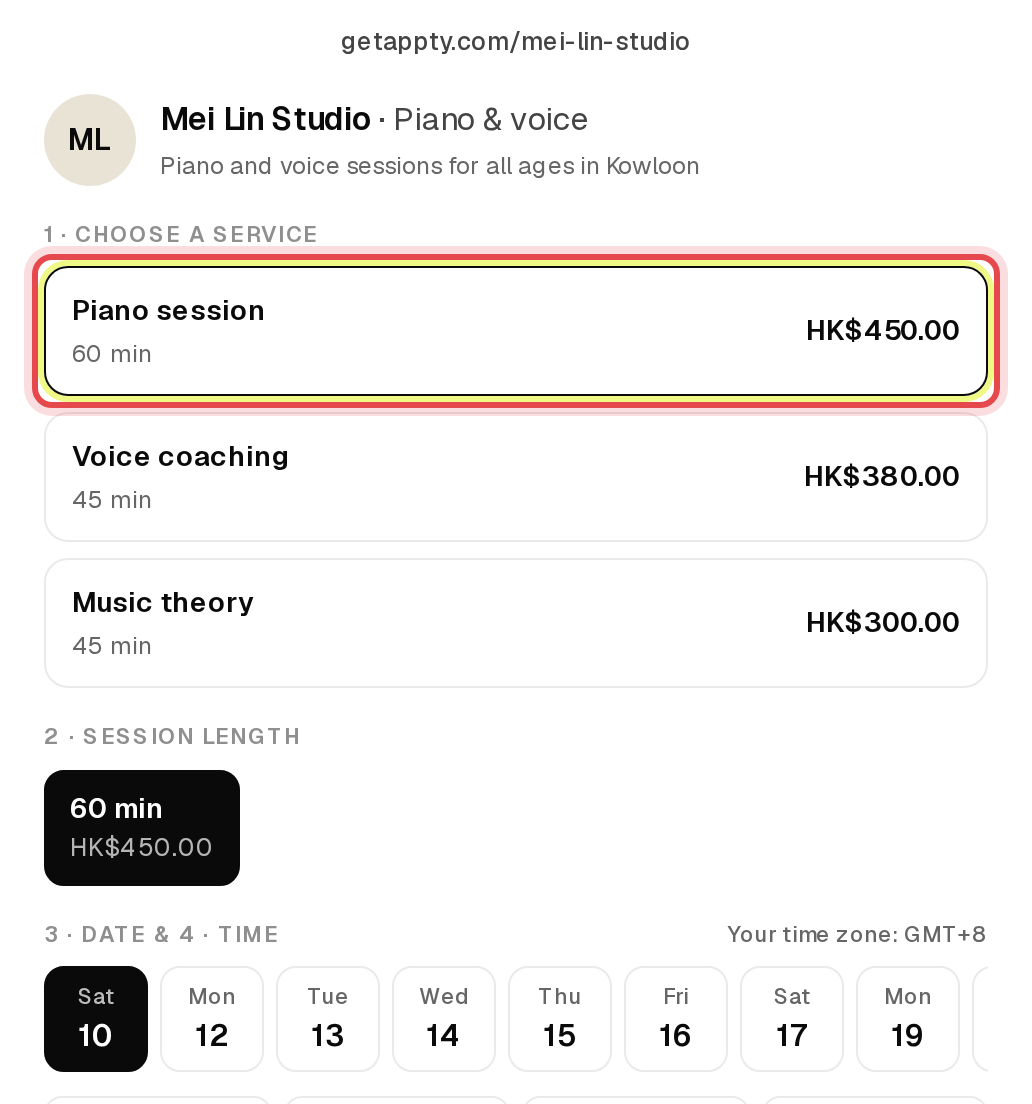
Step 3: See what clients see
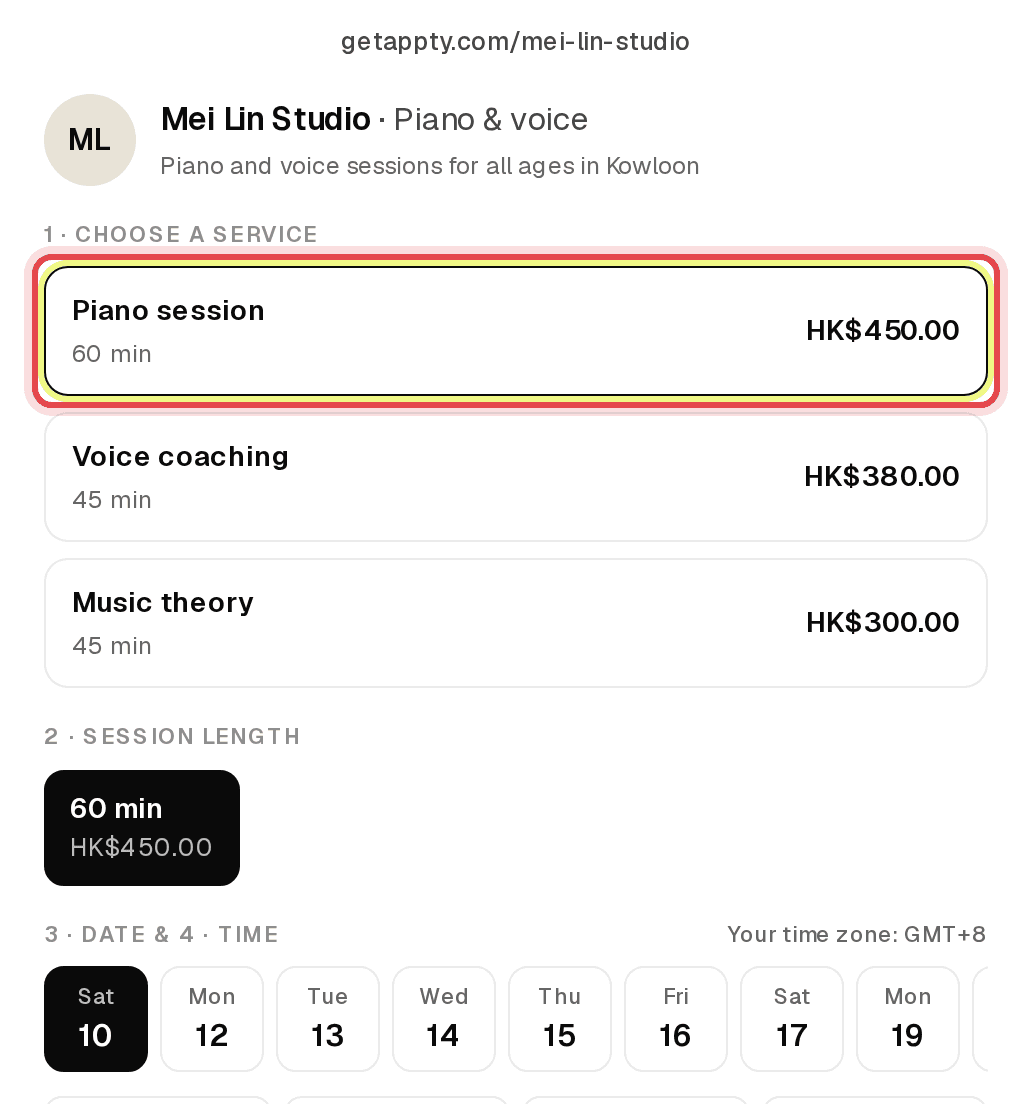
Click Preview it under your link. Clients choose a service, a day and a time, then add their details.
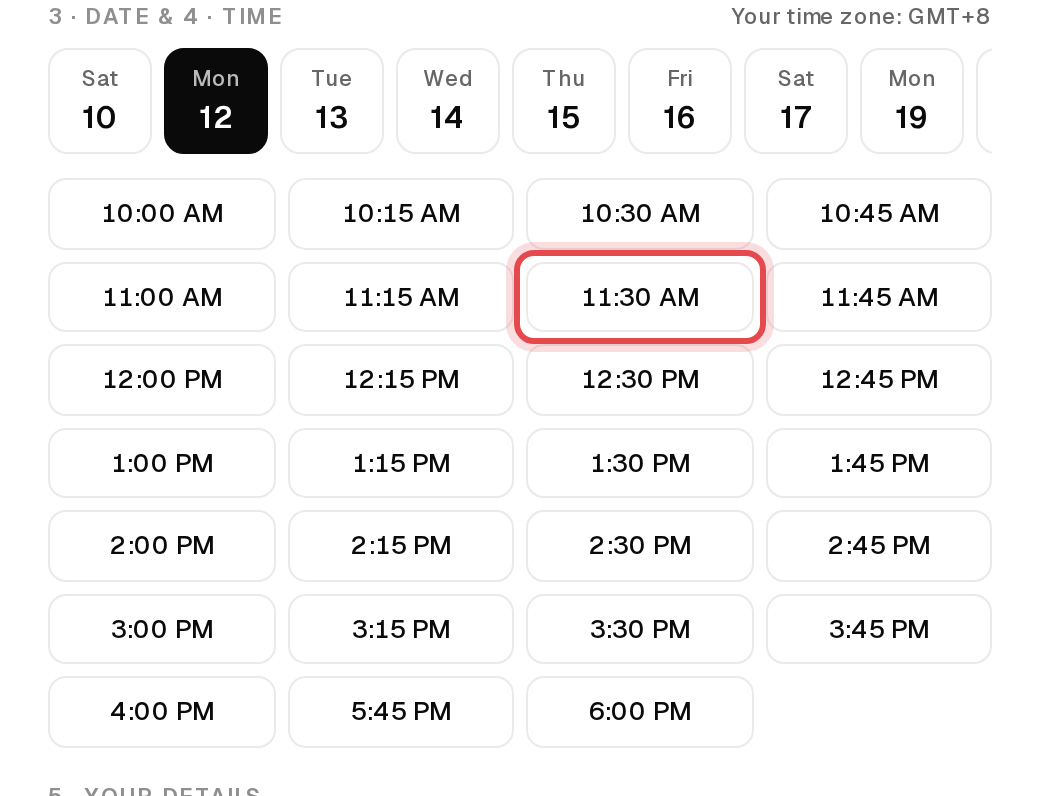
Step 4: Clients pick a time
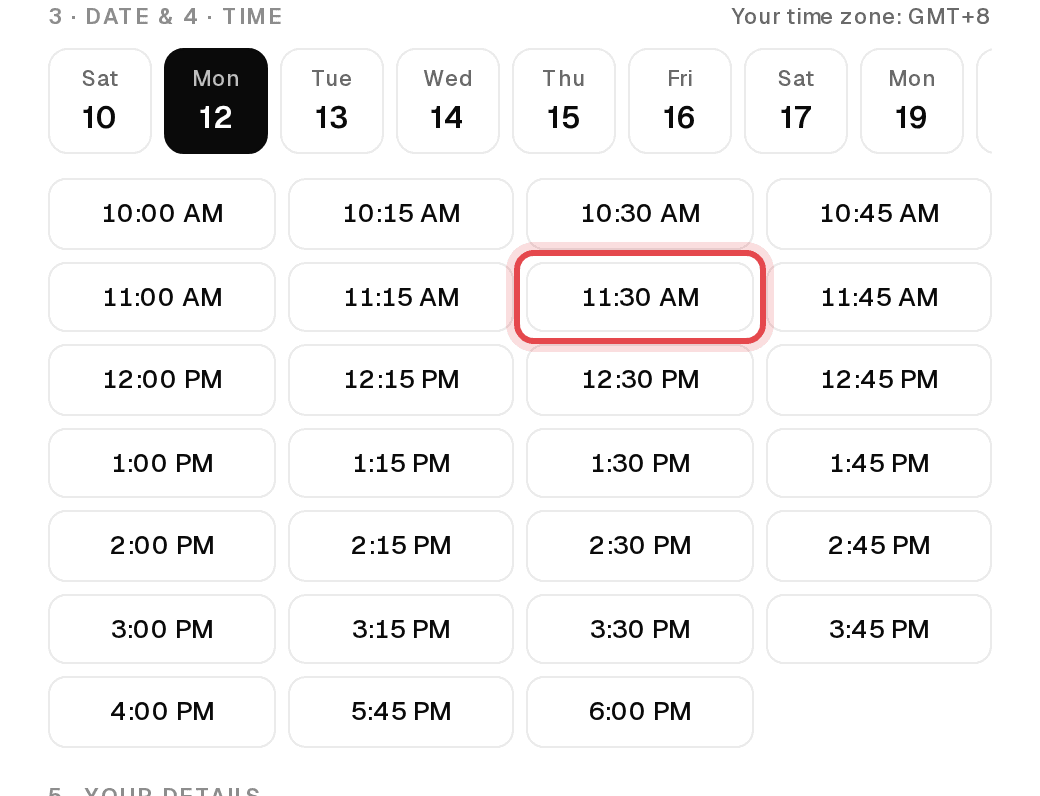
Only times inside your hours that aren't already booked are shown, in the client's own time zone.
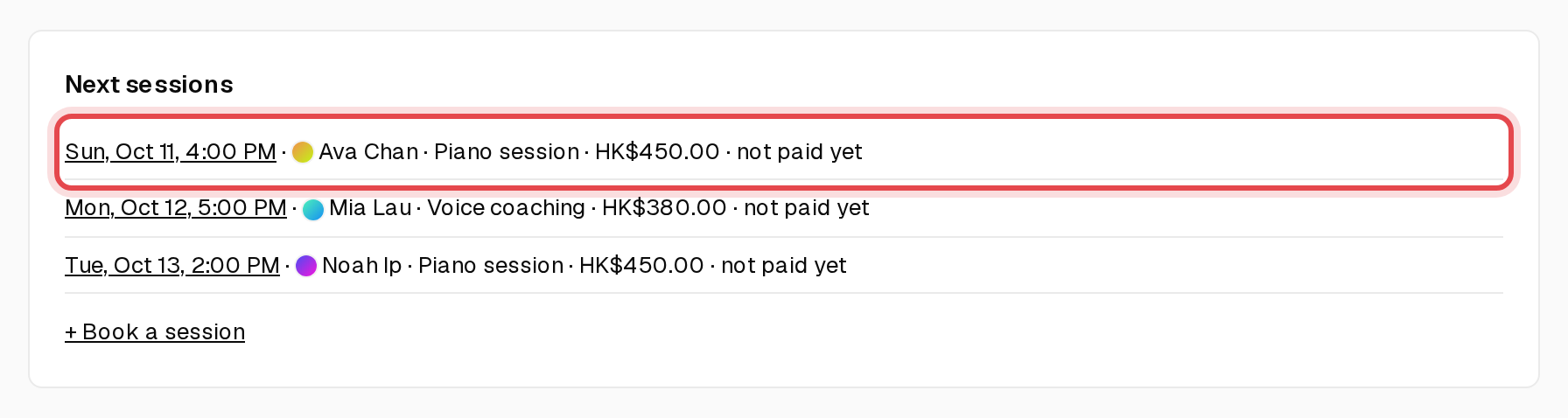
Step 5: New bookings land on your Overview
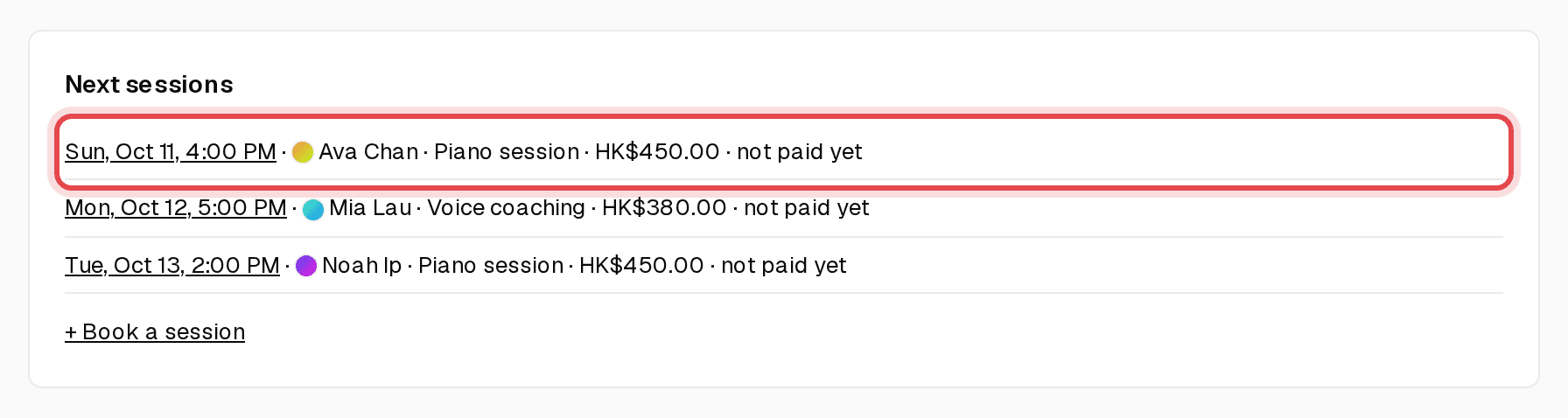
Every booking appears under Next sessions with whether it's paid. Click the date to open it.
Tip: Want to check each booking first? On Overview, under Automation & wording, tick “Require my approval before a public booking is confirmed”.