Refund a payment
Give money back for a card payment, or record a refund for cash and FPS.
Step 1: Find the payment
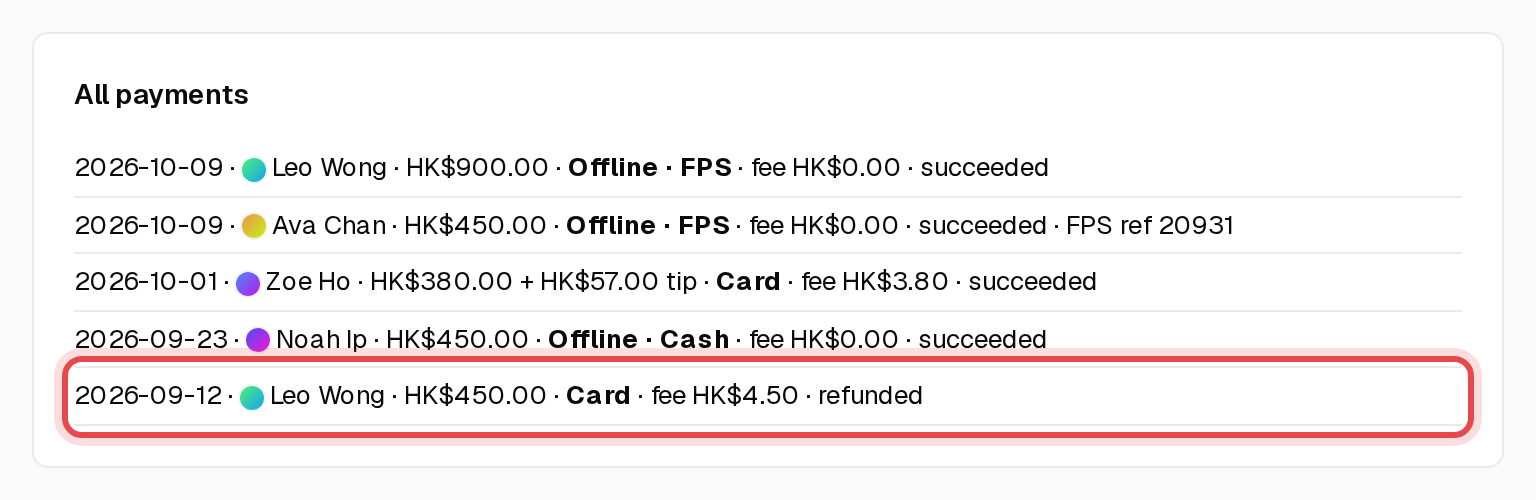
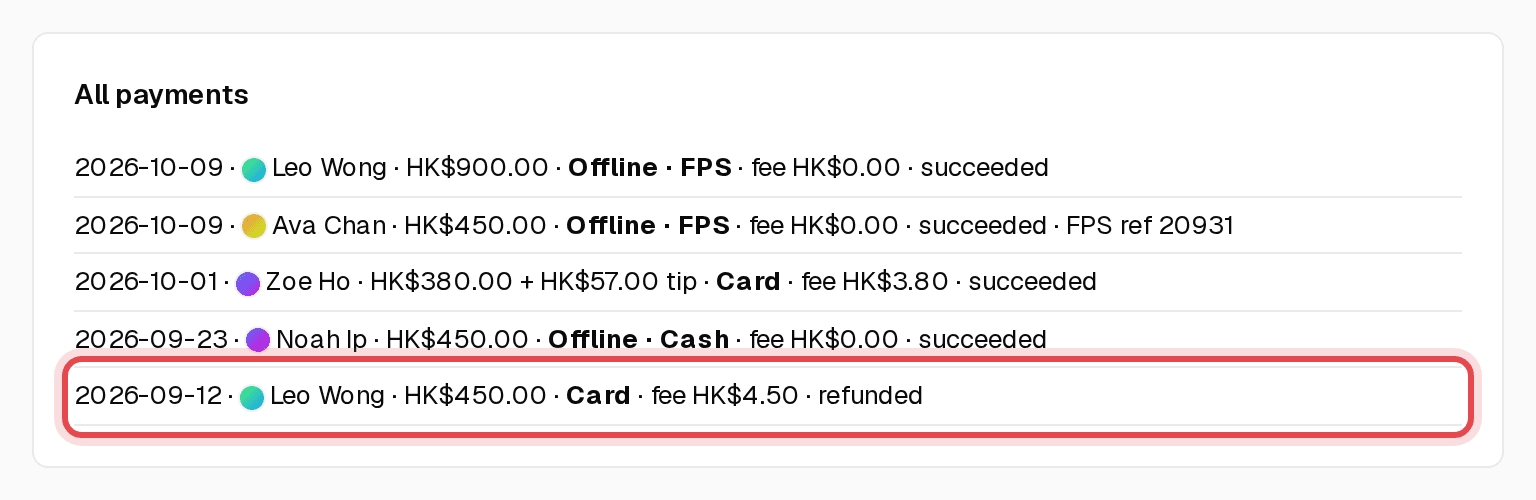
Open Payments to see every payment, how it was paid and its status.
Step 2: Cancelling the session? The refund is automatic
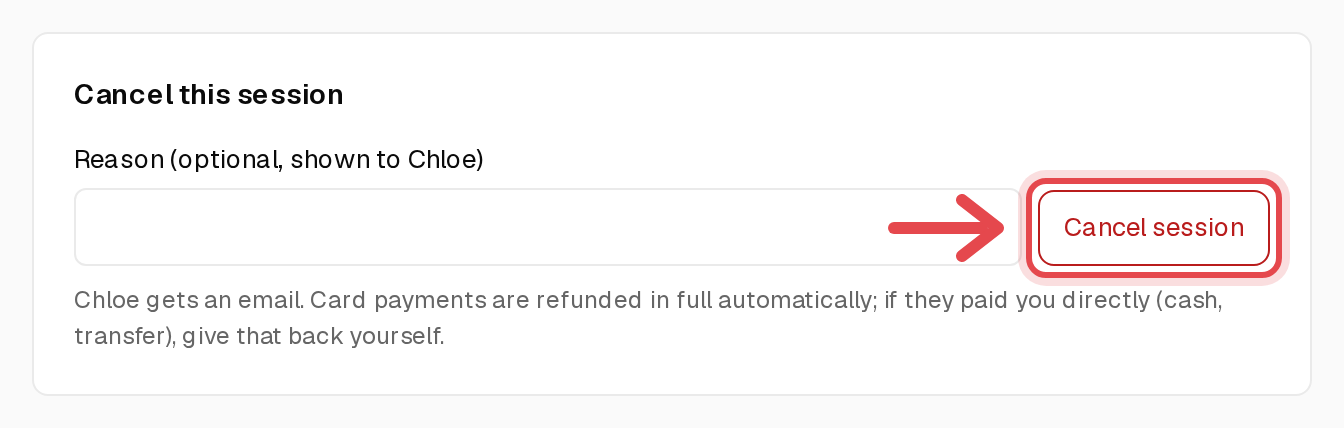
Open the booking and, under Cancel this session, click Cancel session. Card payments are refunded in full and your client gets an email.
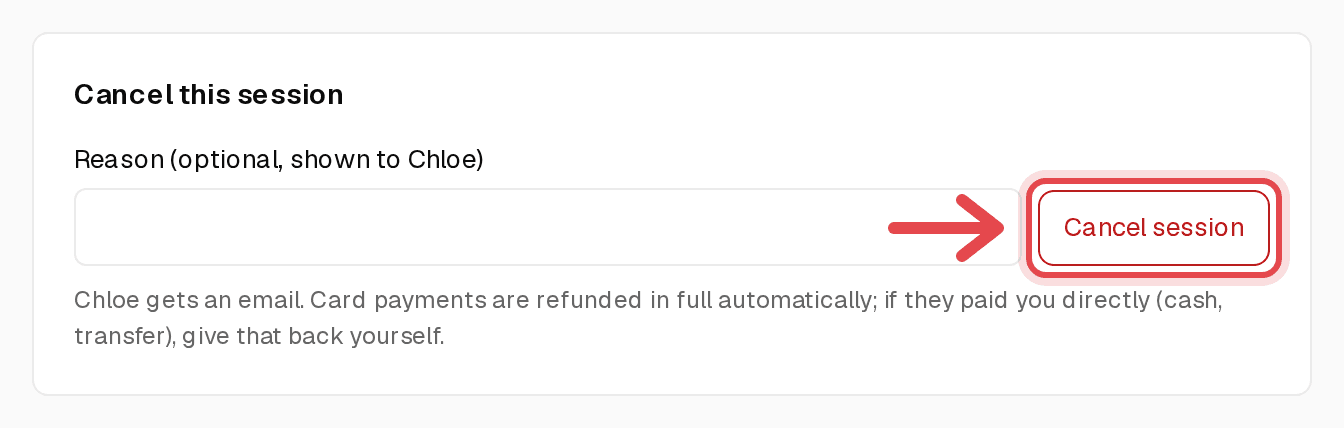
Tip: If they paid you directly (cash, FPS, bank transfer), give that money back yourself.
Step 3: Part refund, or keep the session
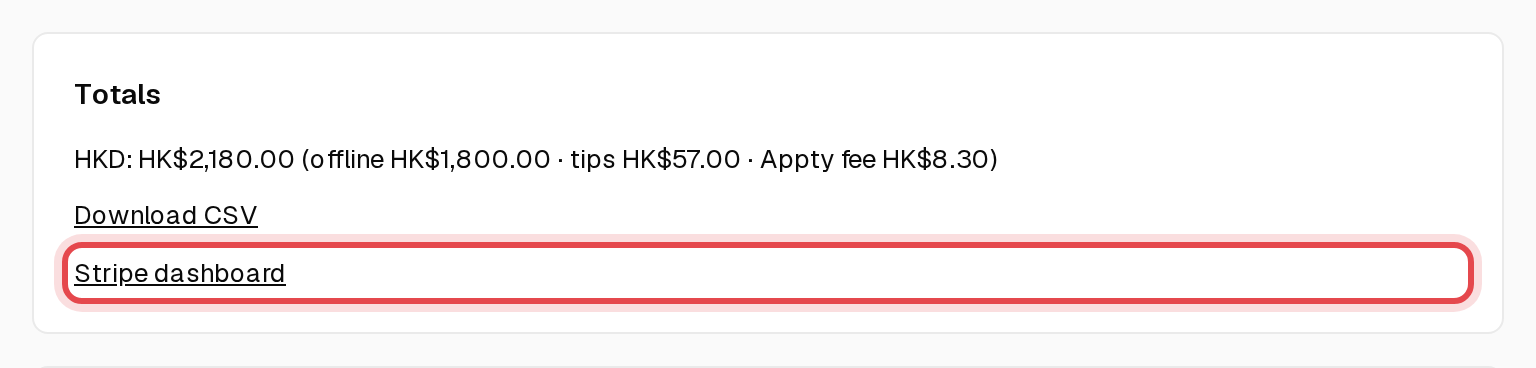
Click Stripe dashboard on Payments, find the payment and refund it there. A full refund is marked refunded in Appty automatically.
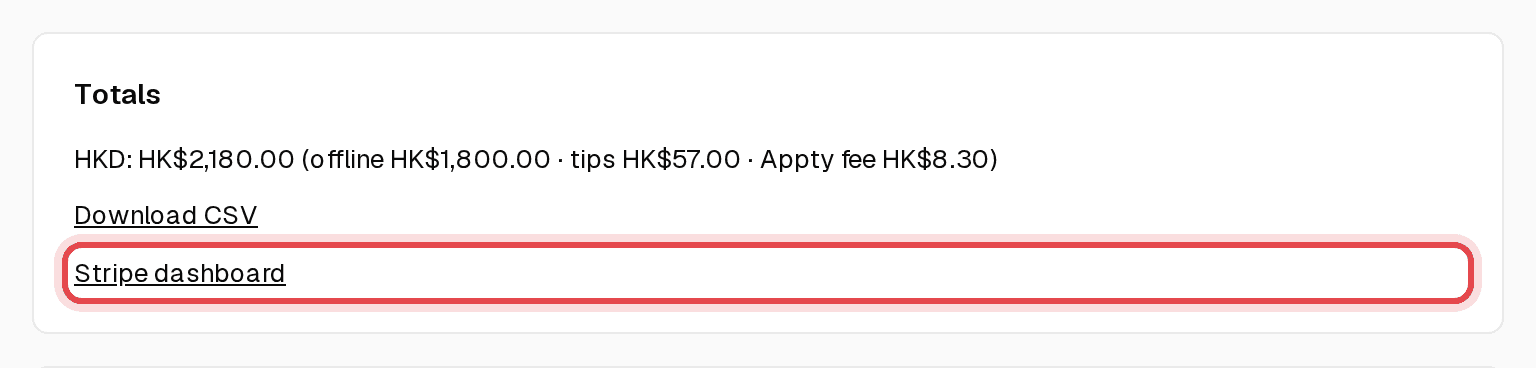
Step 4: Check your totals
Income shows refunds per month, already taken off your Net.